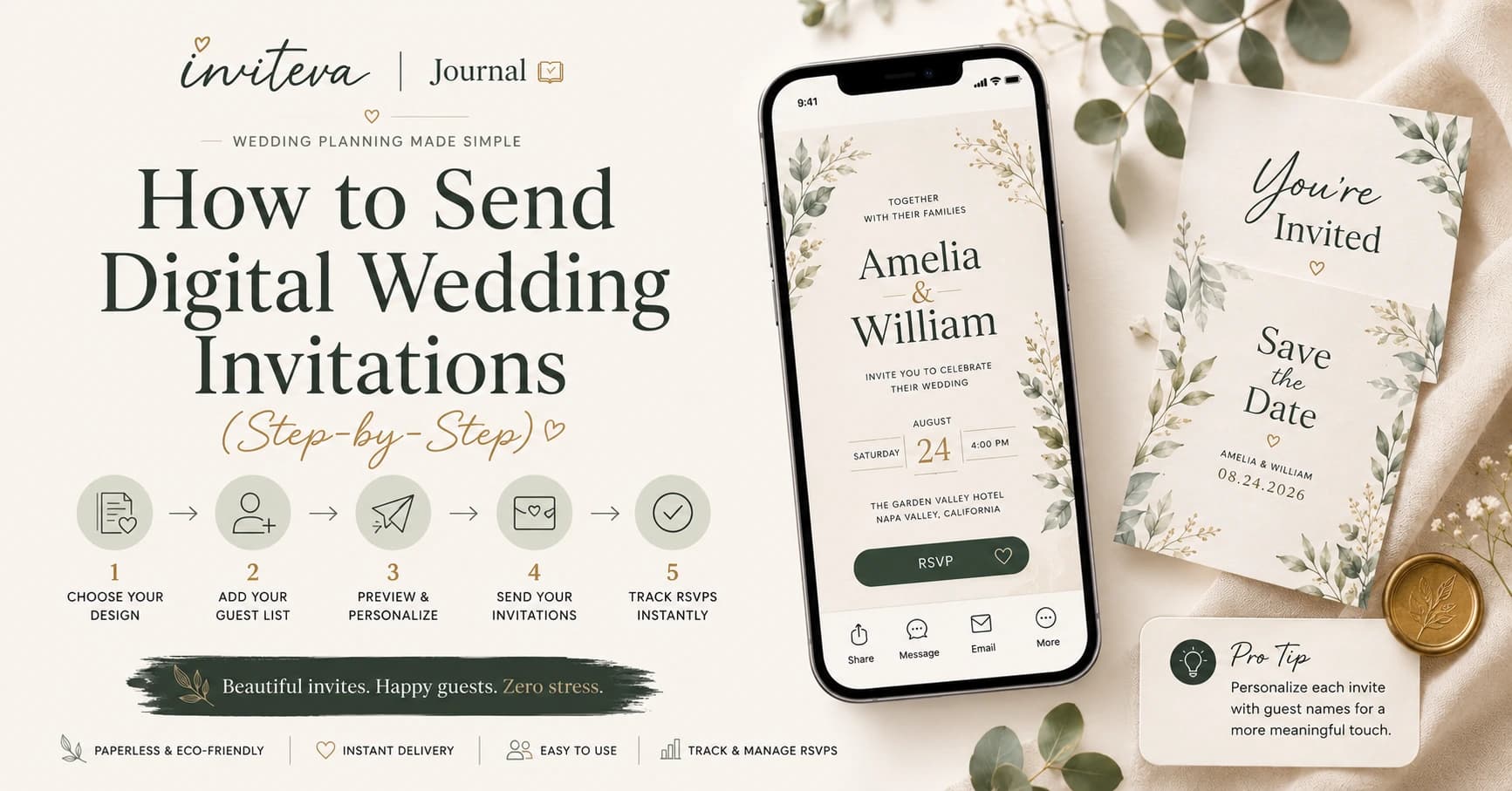
Sending digital wedding invitations is far simpler than most couples expect. From picking your design to watching RSVPs arrive in real time, the entire process can take less than an afternoon. Here’s exactly how it works.
The Complete Step-by-Step Process
Choose your platform
Not all digital invitation platforms are equal. Look for one that offers animated designs, real-time RSVP tracking, music support, and an interactive map — not just a PDF you email to people.
Pick a template
Browse designs by style — romantic, modern, botanical, minimalist. Every inviteva template is fully customisable, so think of it as a starting point, not a final product. Filter by colour palette or wedding season to narrow your choices.
Personalise every detail
Add your names, wedding date, venue, ceremony and reception times. Upload photos. Change fonts, colours and layout. Write your own wording — or use one of our suggested styles, from formal to relaxed.
Add music, a map and a countdown
This is where digital invitations become magical. Choose a song that plays softly when guests open your invitation — your first dance song, the track you danced to on your first date, or simply something that sets the mood. Add an embedded map so guests never have to search for your venue, and turn on the countdown so they feel the excitement building.
Set up your RSVP
Decide what information you need from guests: attendance, dietary requirements, song requests, or whether they'll need transport. Set your RSVP deadline and choose whether to send automatic reminders to guests who haven't replied as the date approaches.
Share your invitation link
Your invitation is a single link — unique to your wedding. Share it however you like: WhatsApp message, text, email, or printed QR code on a save-the-date card. You can send to everyone at once or share individually. International guests receive it instantly, no matter where they are in the world.
Watch the responses come in
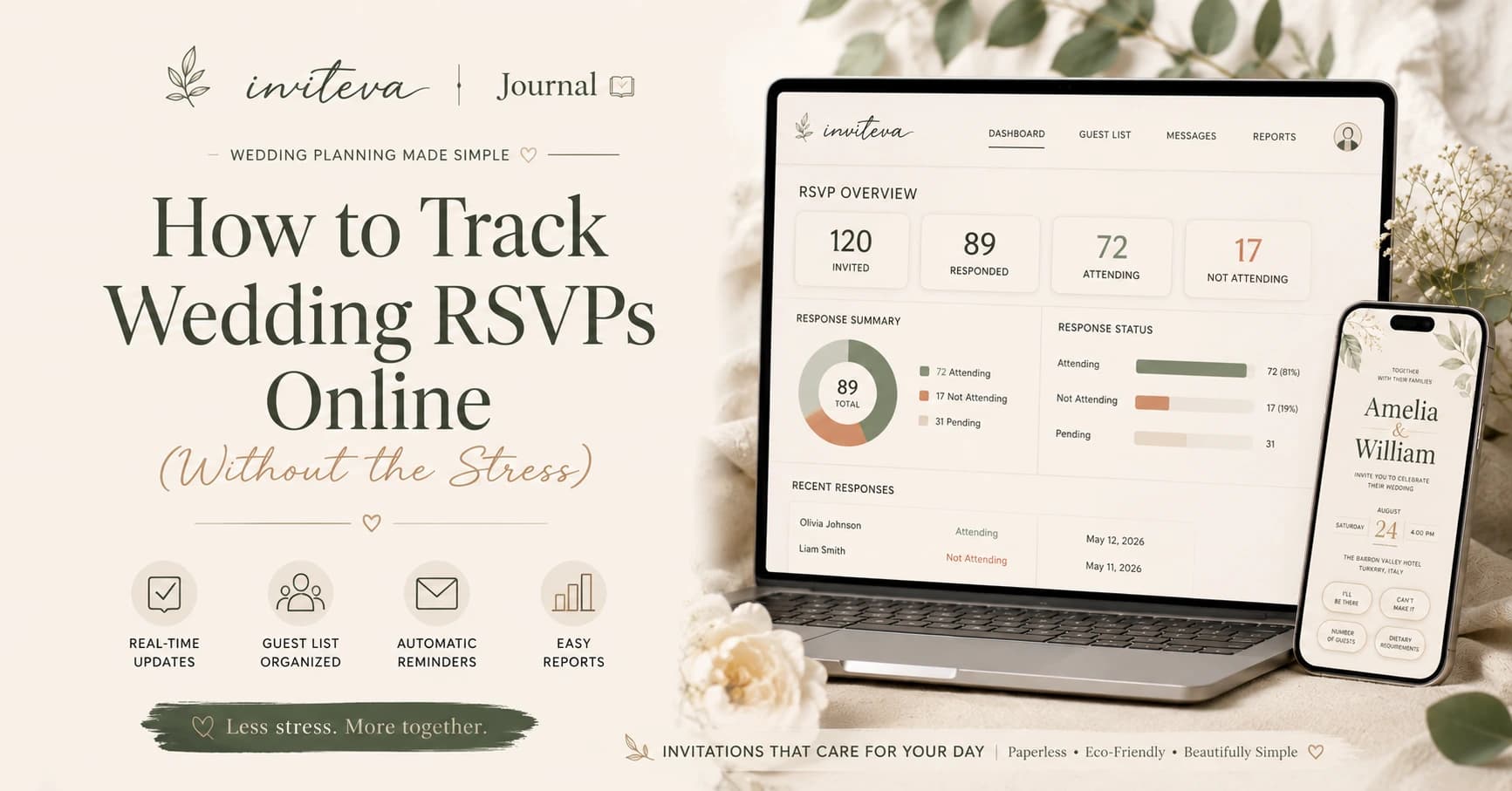
Your inviteva dashboard updates in real time. See who's opened the invitation, who's replied, and what dietary requirements or special notes guests have added. Send a reminder to anyone who hasn't responded with one tap — no awkward phone calls required.
“What used to take weeks of chasing — done in two taps, while sitting on the sofa.”
What About Older Guests?
This is the question we hear most often, and the honest answer is: it’s simpler than you think. A link opens in any browser on any phone or computer. If a guest can receive a WhatsApp message or open an email, they can open your invitation.
Can I Make Changes After Sending?
Yes — and this is one of the most underrated advantages of digital invitations. Change the ceremony time, update the venue address, add a note about parking — all without reprinting a single thing. Every guest who visits the link sees the latest version automatically.
How Far in Advance Should I Send?
For weddings, send digital invitations 6–8 weeks before the date. If you have many international guests or your wedding falls around a bank holiday, give 10–12 weeks. If you’ve already sent save-the-dates, 6 weeks is usually sufficient.
Start creating your invitation today
Join the inviteva waitlist for early access — and your first invitation completely free at launch.
Join the waitlist